Losing access to your Instagram account can feel overwhelming. Whether your profile was suddenly disabled, locked by two-factor authentication (2FA), suspended by automated systems, or compromised by a hacker, taking swift action is critical to recovering your digital presence.
⚡ Quick Action Plan: How to Recover Access Now
- Update Your App: Ensure you are using the latest version of the Instagram app on iOS or Android.
- Access the Hacked Portal: Visit
instagram.com/hackedon a mobile browser using a recognized device. - Submit a Video Selfie: Select "Try another way" during login to complete a 3D facial capture if credentials were changed.
- Ask Friends for Help: Request identity confirmation from two reciprocal connections directly inside the app.
1. Diagnosing Why Your Instagram Account Was Disabled or Locked
Before submitting recovery requests, you must identify the exact issue affecting your profile. Instagram enforces different recovery mechanisms depending on whether access loss stems from automated flags, forgotten passwords, or malicious credential swaps.

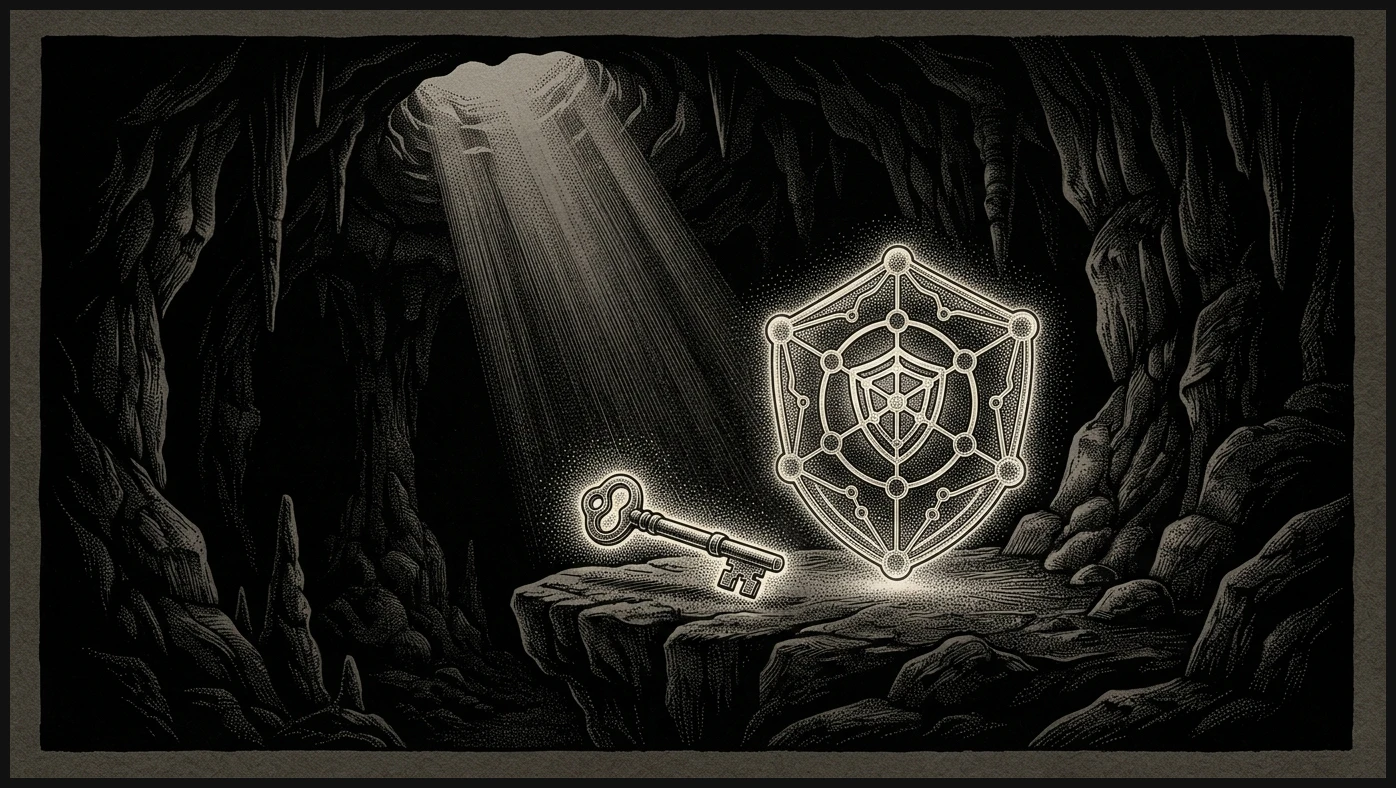
Figure 1: Biometric and Device Identity Verification Layer for Instagram Account Recovery.
Review these common account issues to determine your exact situation:
- Instagram Account Recovery Without Email: You no longer have access to the original email address tied to your account registration.
- Instagram Suspended or Disabled Account: Meta algorithms temporarily freeze or permanently deactivate your account for suspected policy violations.
- Hacked Account: An unauthorized party gains access and updates your registered email, phone number, and password.
- Disabled Business Profile: A creator or company profile loses access, halting distribution and brand operations.
- 2FA Lockout: You lose your phone number, SMS verification codes fail to arrive, or your authenticator app is unlinked.
- Rejected Appeals: Instagram repeatedly declines automated form submissions or leaves appeals unmonitored.
Taking structured action immediately maximizes your chances of a successful recovery, as highlighted in comprehensive industry resources from DeGom Global Marketing.
2. How to Recover Your Instagram Account Step-by-Step
Follow these verified methods in order to regain control of your account.
Method A: Using the Mobile Hacked Recovery Portal
If you cannot access your registered email address or Facebook account, initiate recovery through Instagram's dedicated mobile portal:
Method B: Completing Video Selfie 3D Capture
If an attacker modified your login credentials, select "Try another way" during login to prompt Video Selfie Verification.
You will be guided to record a short video clip turning your head left, right, up, and down under direct lighting. Automated system algorithms compare this 3D facial capture against historical photos and videos posted on your profile.
Method C: Requesting Friend Verification
Eligible accounts can verify ownership through trusted connections. Choose two Instagram connections who can confirm your identity within 48 hours. Once both connections approve the notification in their Instagram app, Meta sends a password reset link to your device.
| Recovery Option | Best For | Primary Requirement |
|---|---|---|
| Video Selfie Verification | Hacked accounts or swapped emails | Photos of your face on profile |
| Trusted Friends Verification | Lost 2FA phone / authenticator | 2 reciprocal connections |
| Mobile Hacked Portal | General account lockout | Previously recognized device |
3. Using OSINT Investigation to Spot Exposure Clues
An Instagram account takeover is often a symptom of wider digital exposure. Applying Open Source Intelligence (OSINT) thinking helps you determine why the incident occurred and whether surrounding accounts are compromised.
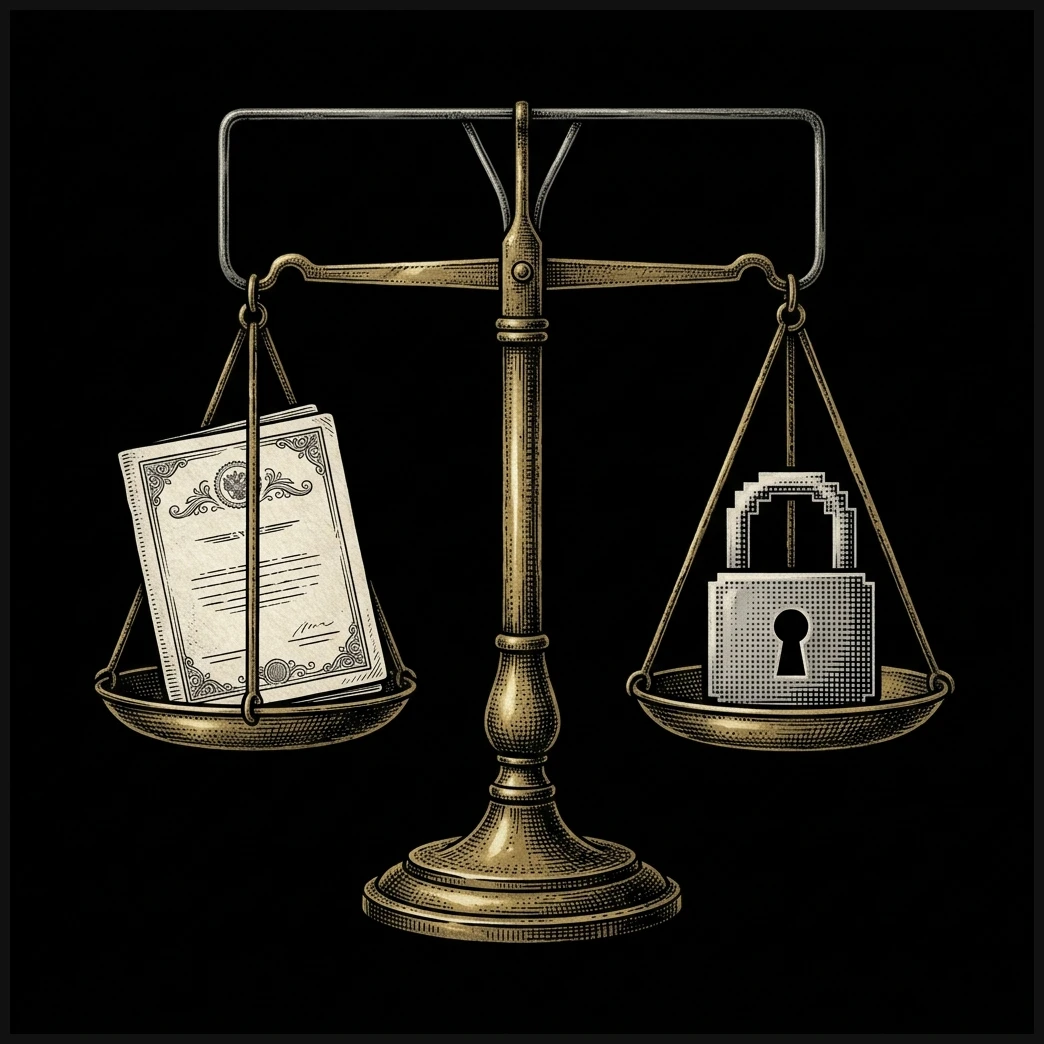
Figure 2: Balancing Verified Identity Proof Against Access Constraints.
Key vectors of account compromise include:
- Credential Reuse: Passwords leaked in unrelated third-party data breaches getting tested against your Instagram login.
- Mailbox Compromise: Attackers gaining control of your primary email mailbox and resetting your Instagram credentials.
- Phishing DMs and Links: Fake copyright alerts or verification forms capturing your active session cookies.
- Device Spyware or Malware: Compromised mobile apps or malicious browser extensions capturing inputs. If you suspect device infection, follow steps to detect spyware on your phone.
Before setting up new passwords, check whether your email address or username appears in public breach records by using a free digital footprint check.
Map your exposure across surrounding platforms. If the same handle or email powers your work profiles, creator pages, gaming accounts, or dating apps, treat the incident as a cross-platform risk until confirmed otherwise.
4. How to Fortify Your Instagram Account After Recovery
Getting your profile back is relief, but building a durable security model prevents repeat lockouts. Most repeat compromises occur because users keep the same security settings that failed the first time.

Figure 3: Identity Shielding Architecture and Post-Recovery Hardening.
Implement these core security controls immediately upon logging back in:
For comprehensive security strategies across your broader digital footprint, review detailed guidance on account takeover prevention.
Secure Your Social Media Analytics with AnalyzeInsta
Monitor account health, detect audience anomalies, and track performance with real-time Instagram analytics.
Explore AnalyzeInsta PlatformReferences & Authoritative Sources
- DeGom Global Marketing (2025). Instagram Disabled Account Recovery Guide.
- Digital Footprint Check (2026). Free Digital Exposure and OSINT Checker.
- Digital Footprint Check (2026). Account Takeover Prevention Framework.